Workflow & Chatflow
Hotkeys
Keyboard shortcuts for building workflows faster in Dify
Speed up your workflow building with keyboard shortcuts.
Last modified on September 30, 2026
Was this page helpful?
⌘I
Documentation Index
Fetch the complete documentation index at: /llms.txt
Use this file to discover all available pages before exploring further.
Keyboard shortcuts for building workflows faster in Dify
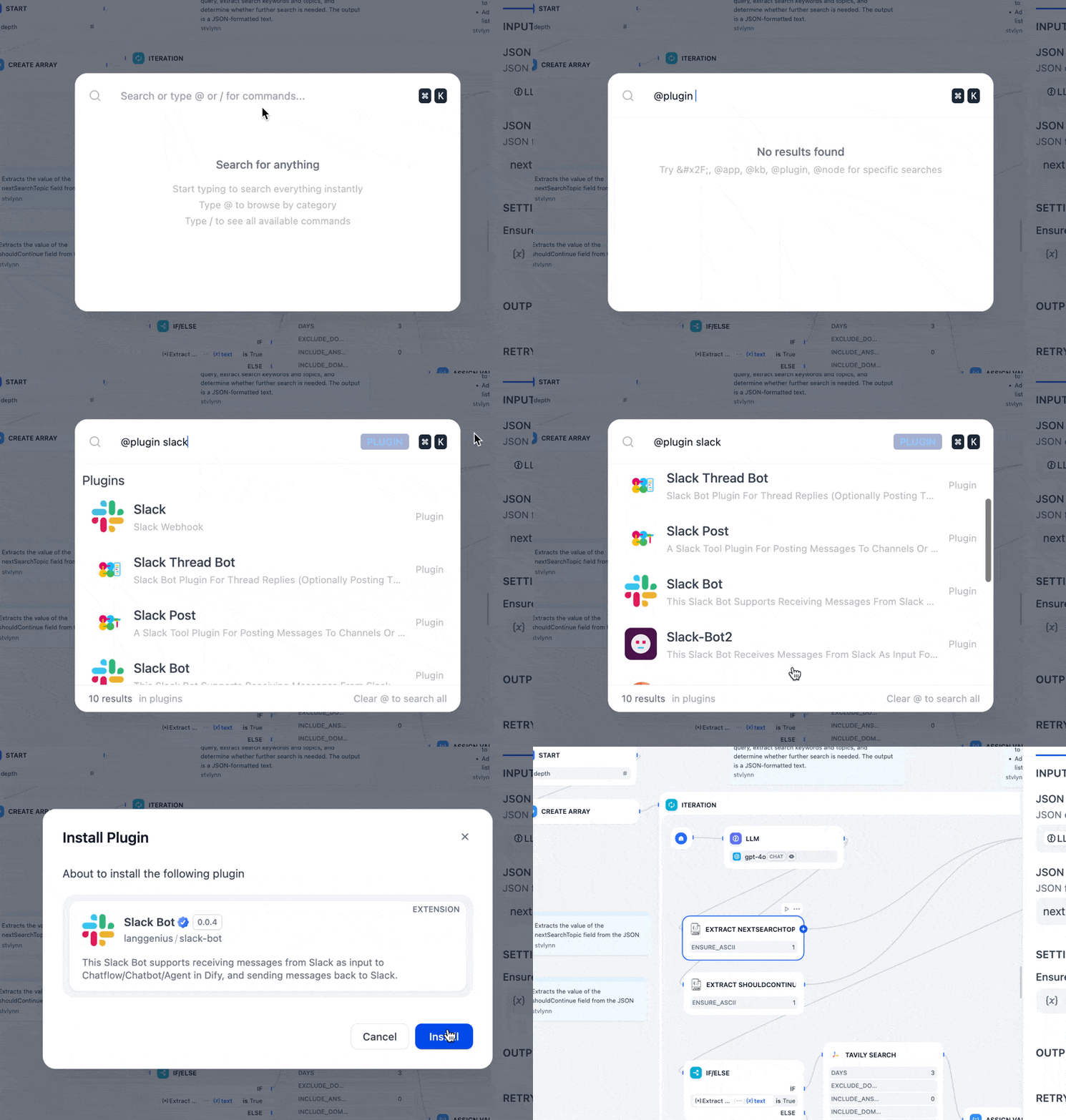
Cmd+K (macOS) or Ctrl+K (Windows) anywhere in Dify to find and jump to almost anything.@ to search apps, integrations, knowledge bases, or workflow nodes./ to run a command like /docs, /theme, or /language.
| Windows | macOS | Action |
|---|---|---|
Ctrl + C | Cmd + C | Copy |
Ctrl + V | Cmd + V | Paste |
Ctrl + D | Cmd + D | Duplicate |
Delete | Delete | Delete selected nodes or edges |
Shift (hold) | Shift (hold) | Highlight the selected node’s variable connections |
| Windows | macOS | Action |
|---|---|---|
V | V | Pointer mode (select) |
H | H | Hand mode (pan) |
C | C | Comment mode |
| Windows | macOS | Action |
|---|---|---|
Ctrl + 1 | Cmd + 1 | Zoom to fit |
Ctrl + = | Cmd + = | Zoom in |
Ctrl + - | Cmd + - | Zoom out |
Shift + 1 | Shift + 1 | Zoom to 100% |
Shift + 5 | Shift + 5 | Zoom to 50% |
Ctrl + O | Cmd + O | Organize nodes |
| Windows | macOS | Action |
|---|---|---|
Ctrl + Z | Cmd + Z | Undo |
Ctrl + Y | Cmd + Y | Redo |
Ctrl + Shift + Z | Cmd + Shift + Z | Redo |
| Windows | macOS | Action |
|---|---|---|
Alt + R | Option + R | Test run |
Was this page helpful?